World Note
Your whole world on a single map
Download for macOS
01
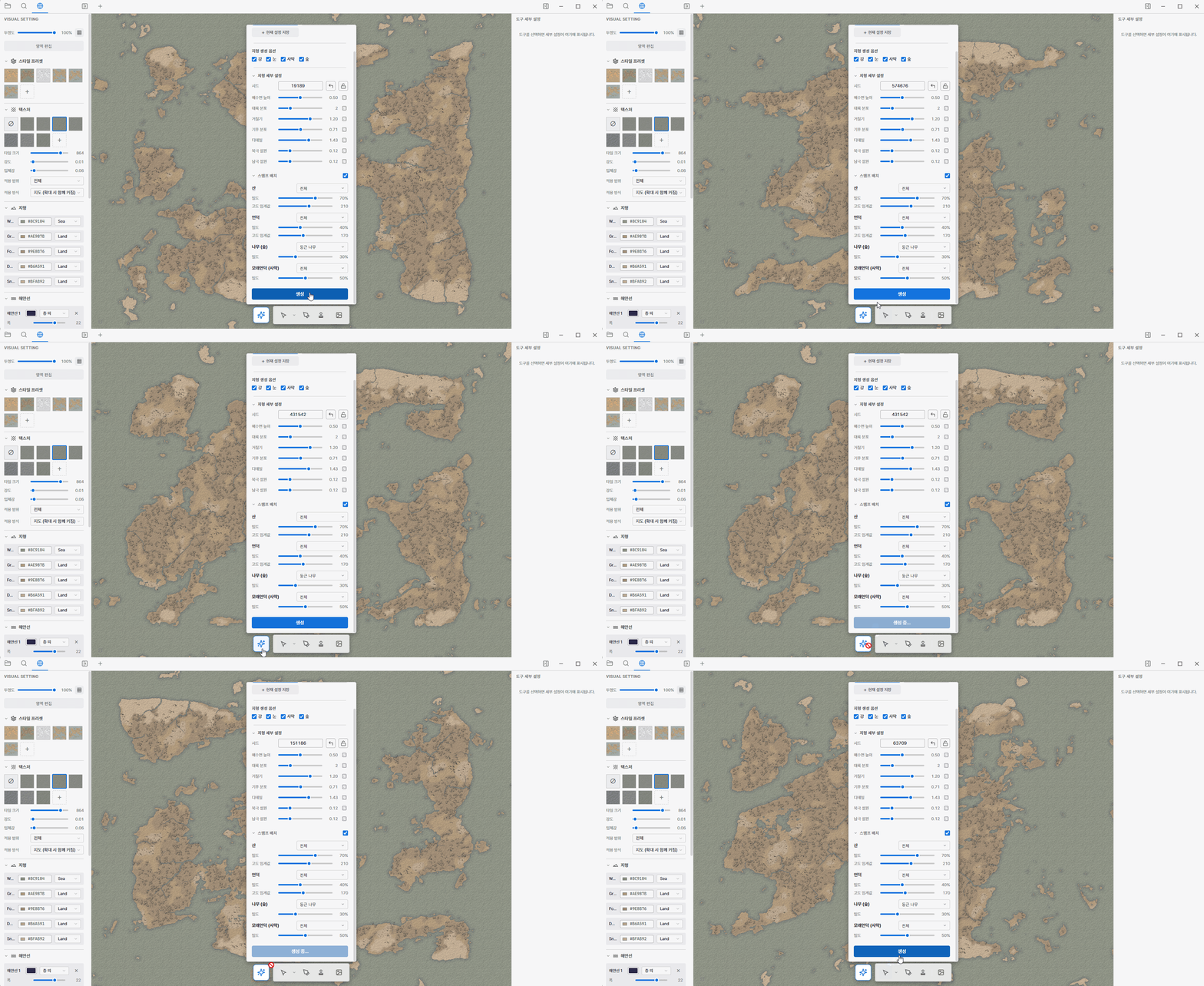
A whole map in one click
Make your own map with a single button. It’s algorithm-based, not AI, so you can regenerate offline as many times as you like, until it feels right. Then fine-tune terrain, detail, climate, and mountains by hand.
02
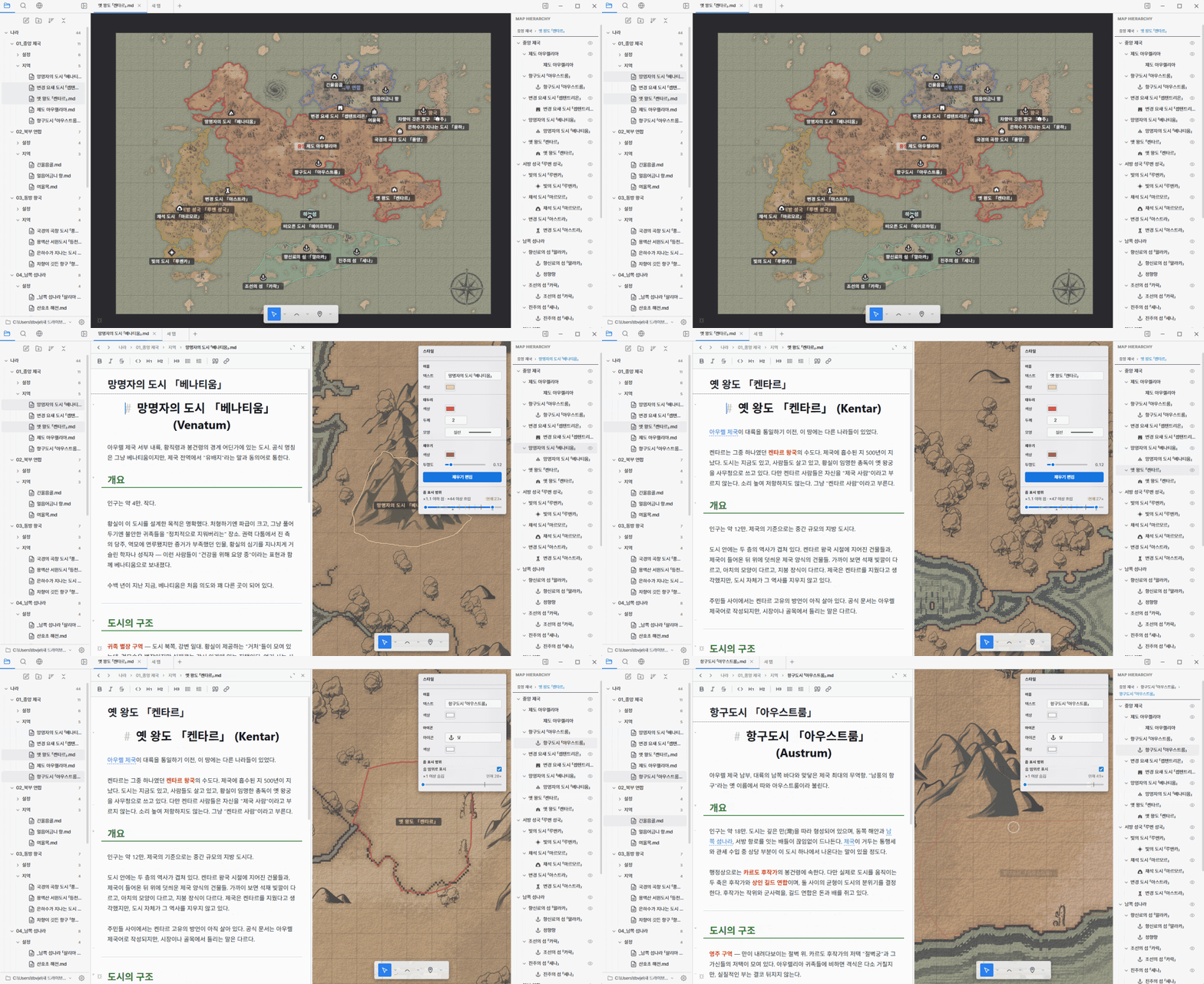
Pin your lore to the map
Drag a note onto a region to pin its place, and double-click any region or marker to open its document instantly. Draw named regions, and link notes to each other with just [[ ]].
03
Make it unmistakably yours
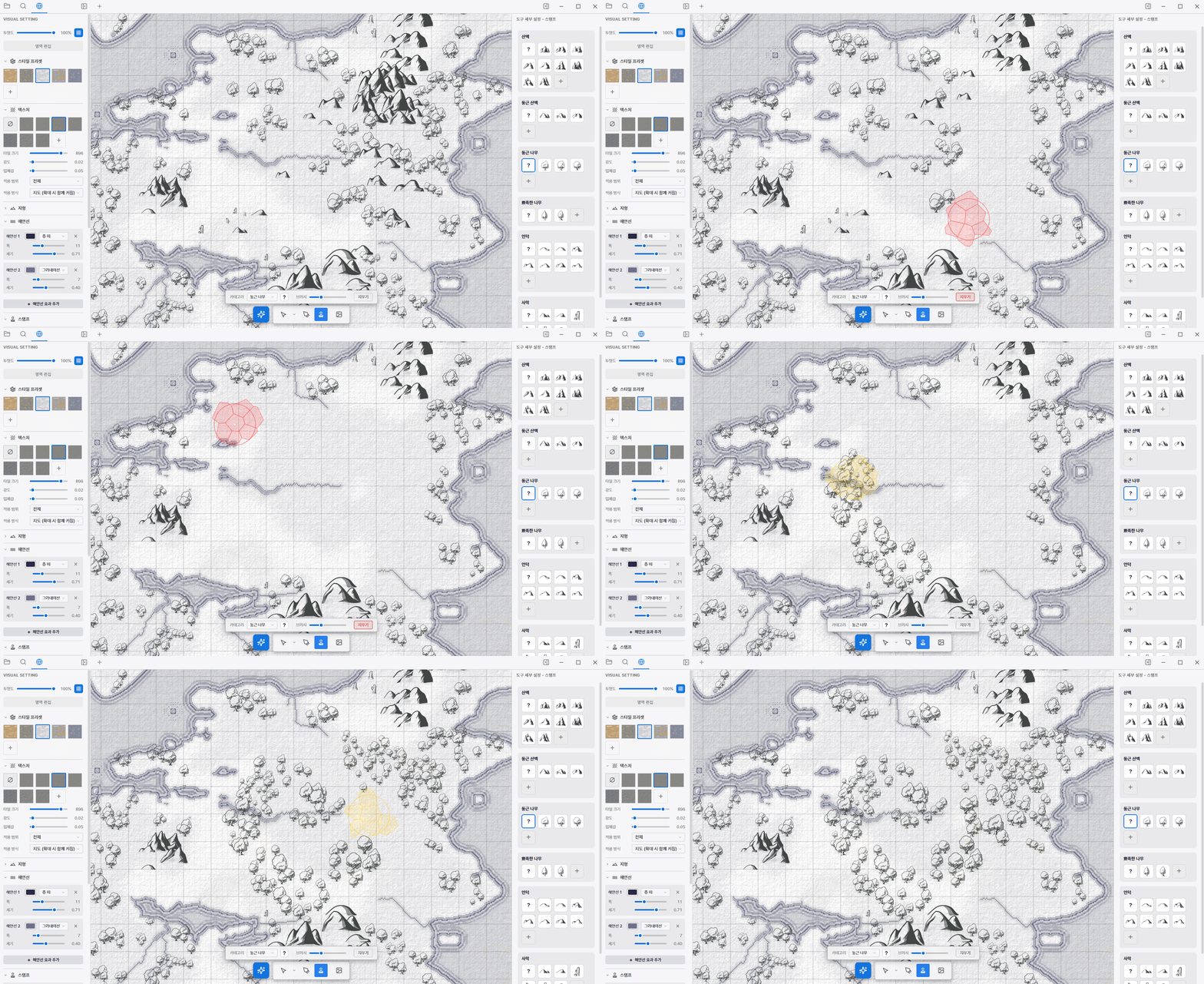
Fill your finished map with images, scatter mountains and forests with stamp brushes, and customize everything from marker colors to your own custom icons.
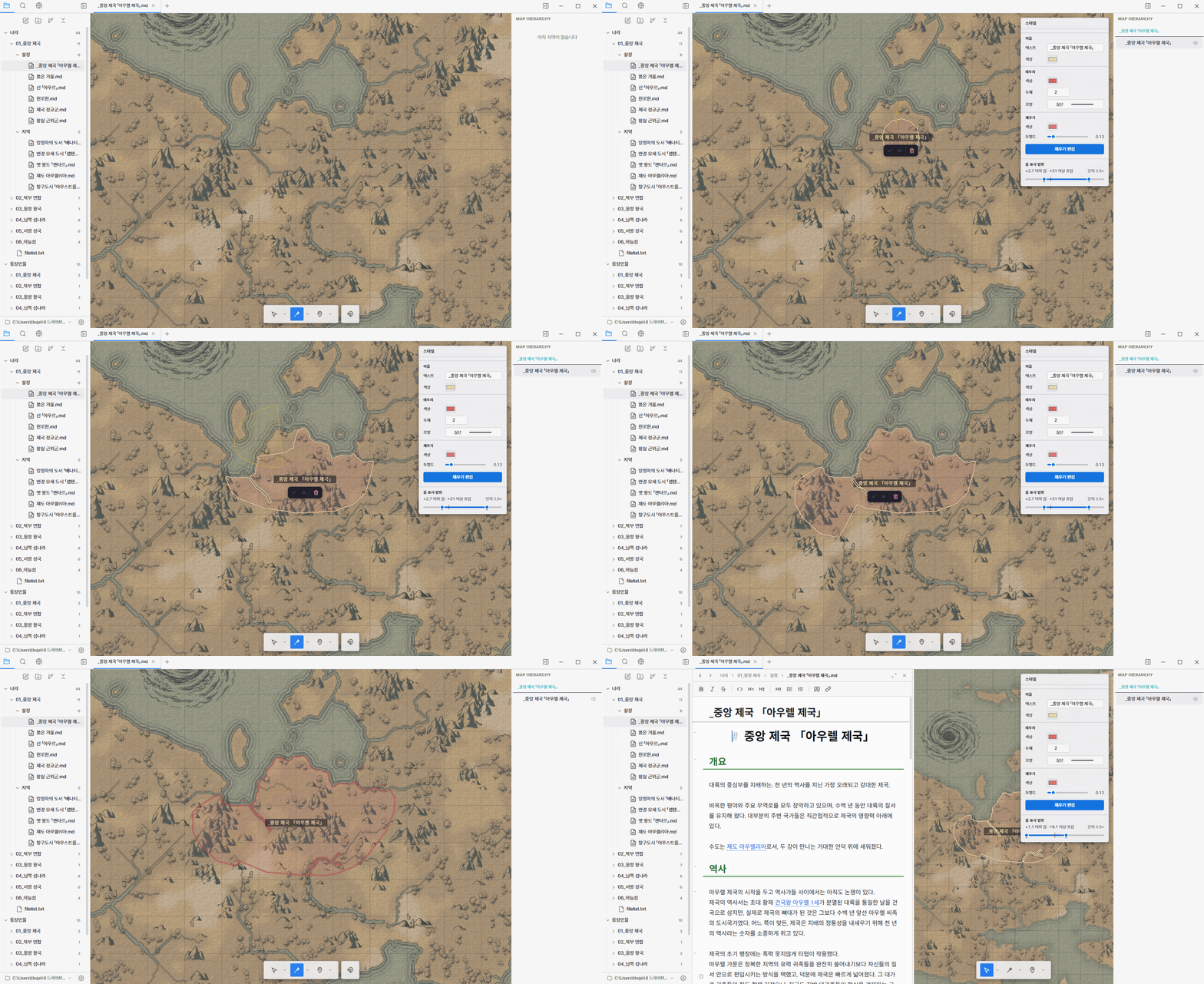
Lasso a coastline or free-draw any border. Regions nest inside one another, so a kingdom can hold its provinces and cities.
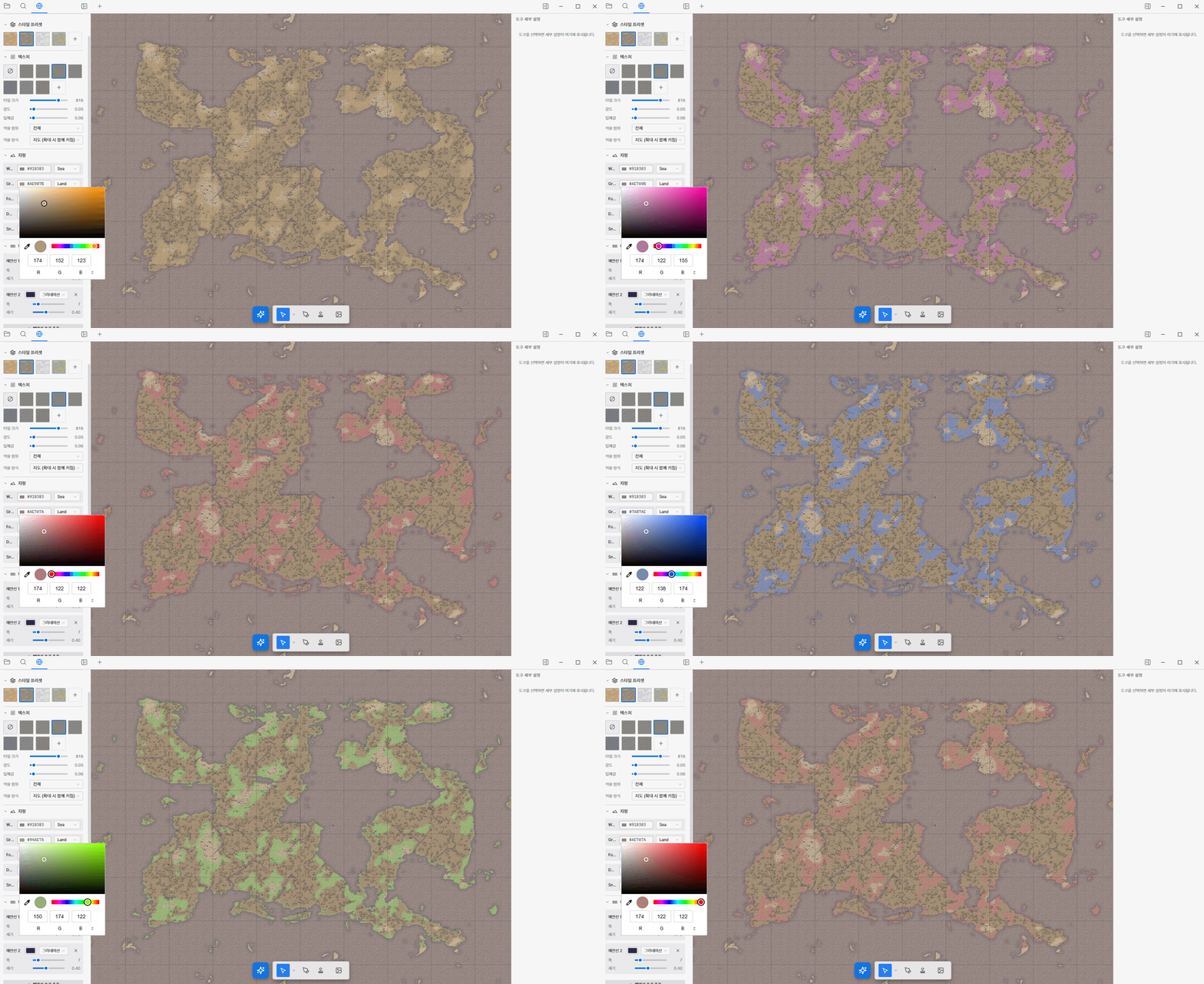
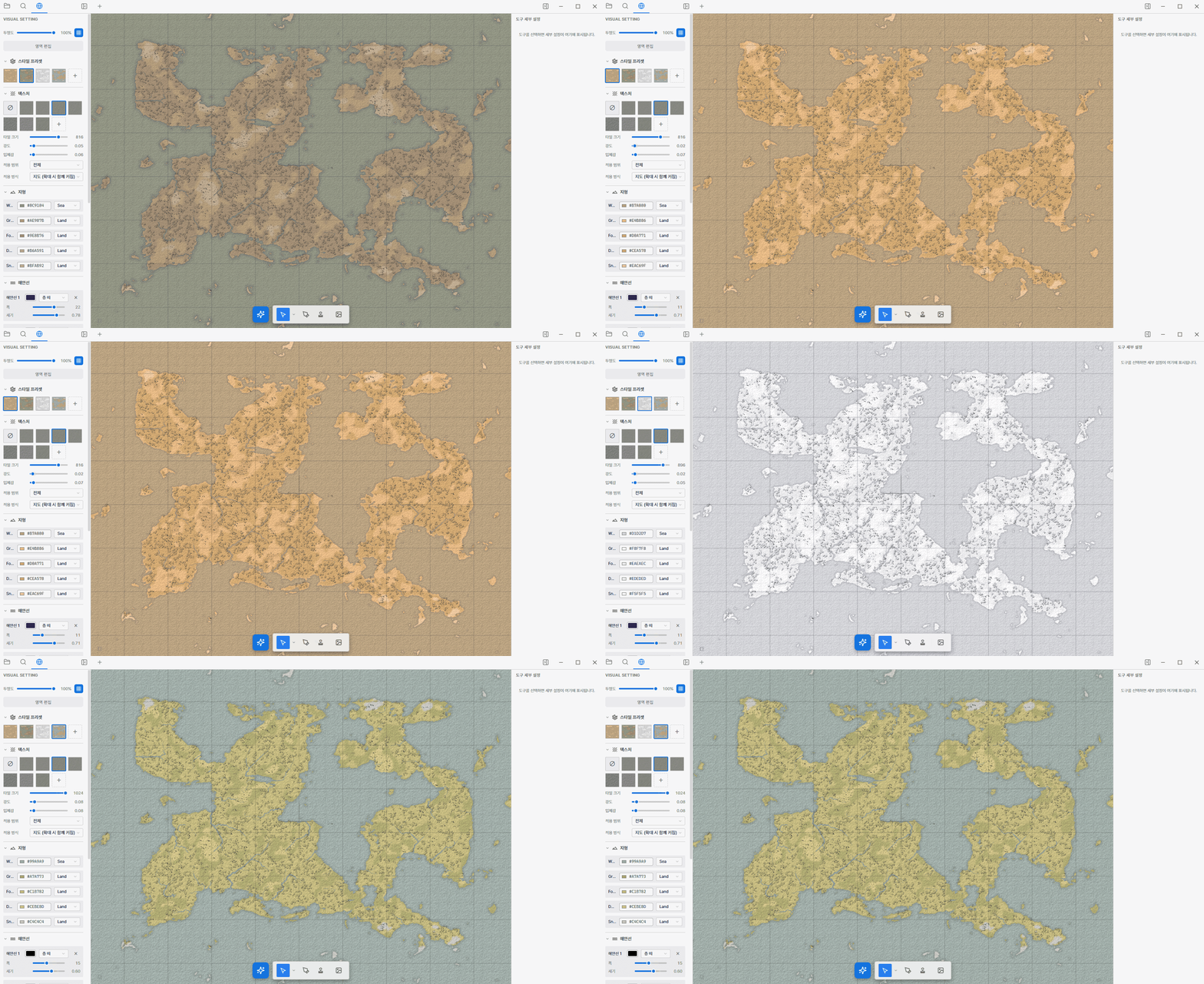
Repaint land, water, and biomes by hand, or apply a one-click style preset to restyle the whole map at once.
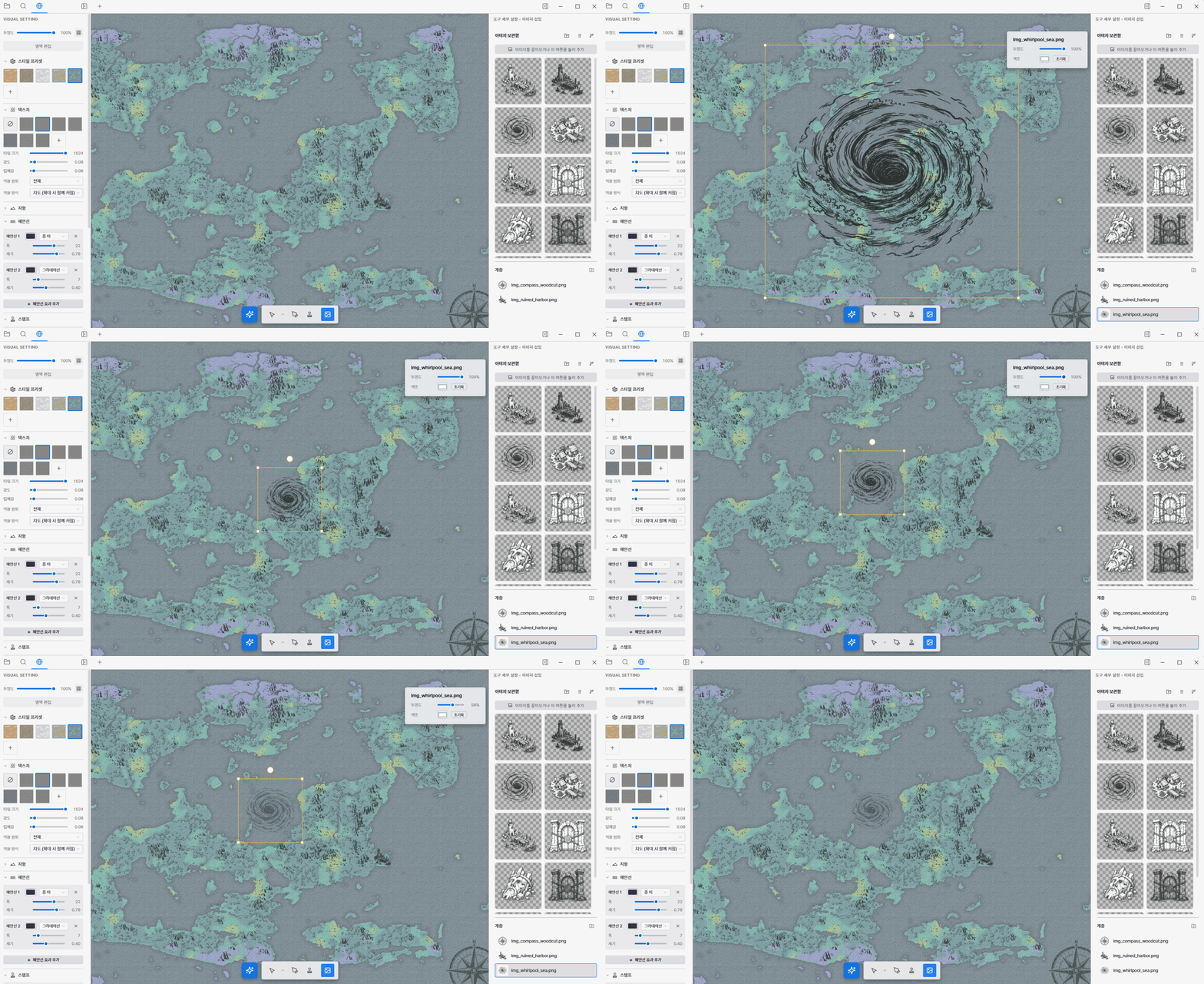
Drop reference art, textures, or your own illustrations straight onto the map and place them exactly where you want.
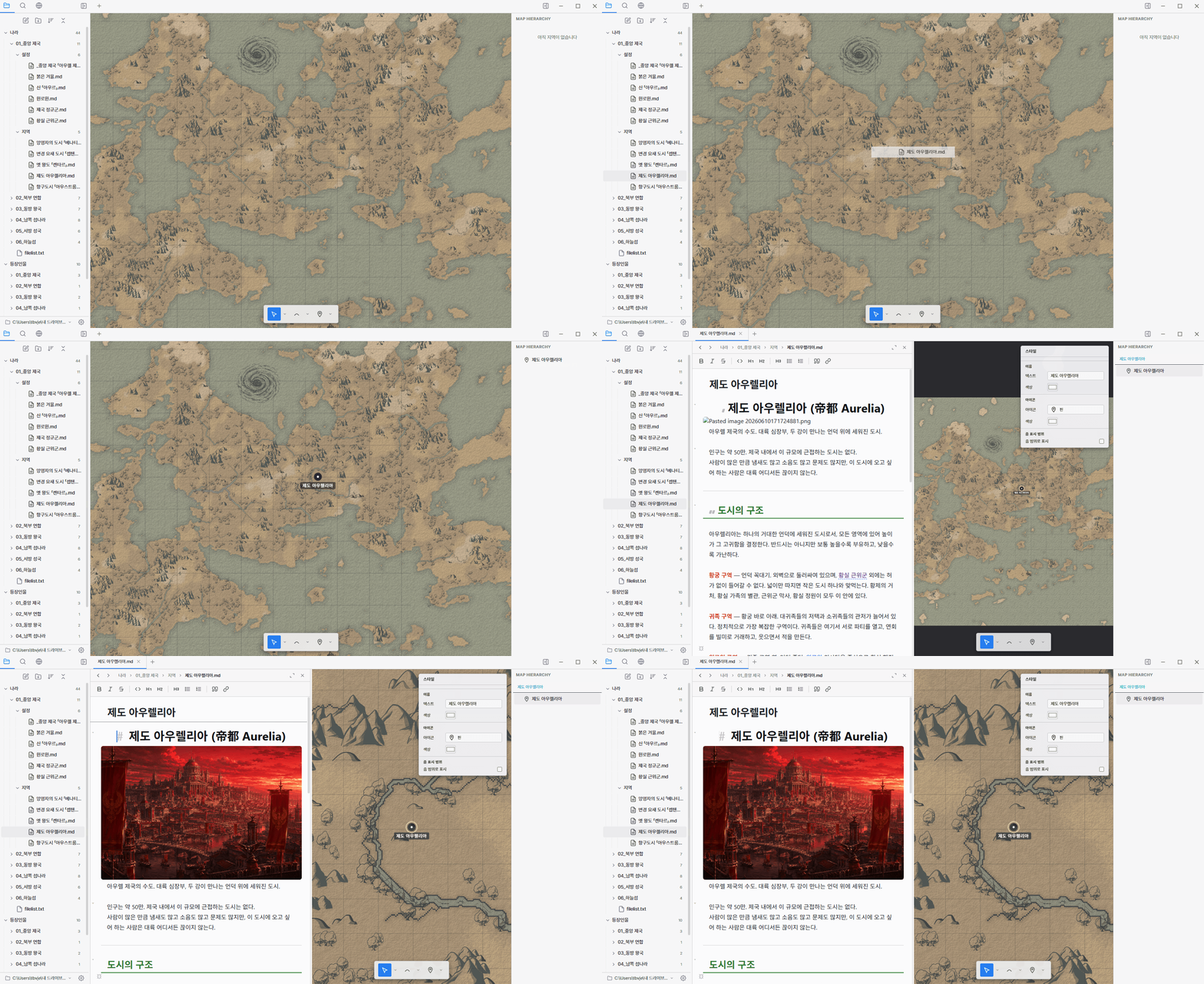
Mark cities, ruins, and points of interest with built-in or custom icons, recolored to match your world.

Tie documents together with [[wikilinks]] and follow backlinks to see everything that references a place.
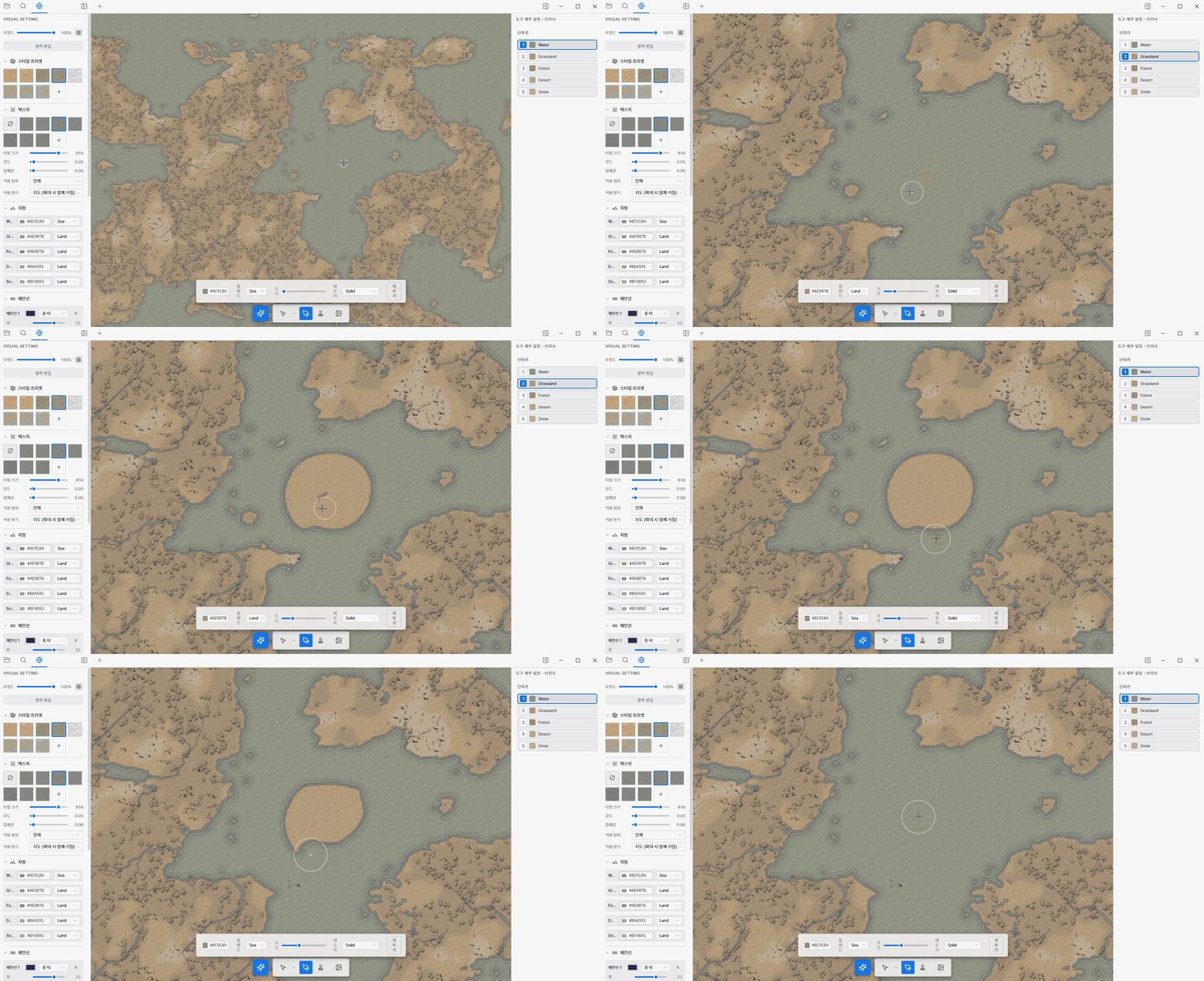
Brush land, water, forest, and desert by hand to sculpt coastlines and biomes exactly the way you imagine them.
100% offline no account no cloud no tracking
Backed us on Tumblbug? See the redeem guide.